The Tribute Journal
How to Make a Memorial Slideshow
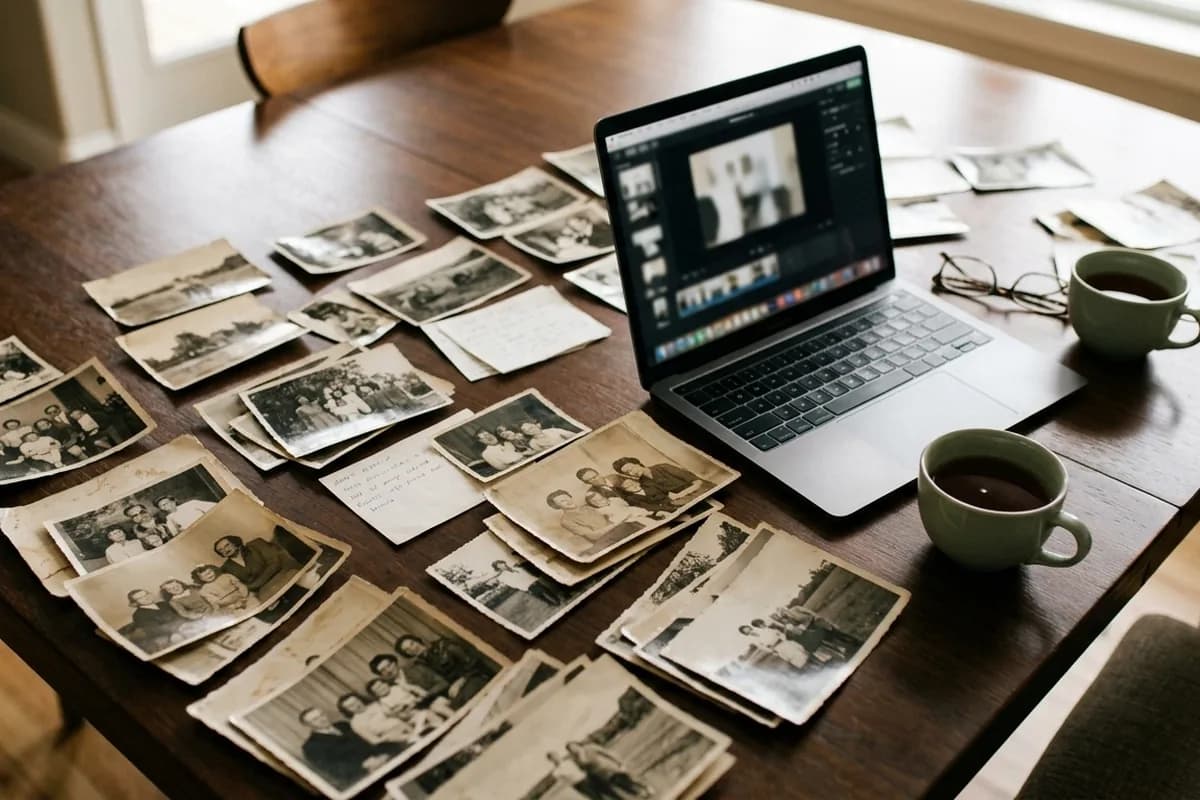
The slideshow is usually the moment the room stops pretending to be composed. It is also the task that gets started at 11pm two days before the service, on a laptop, by someone who has never used video software. Here is how to do it without that.
How many photos?
Between 40 and 80 for a typical slideshow. At roughly 5 seconds each, 60 photos runs about 5 minutes, which is the sweet spot. Fewer than 30 feels thin; more than 100 and the room starts to drift no matter how much they loved the person.
Aim for spread rather than volume: childhood, young adulthood, marriage or partnership, work, the middle years, grandchildren, the last few years. Ten excellent photos across a life beat forty from one holiday.
How long should it be?
- 3–5 minutes — playing during the service itself, between readings. This is the most common.
- 5–8 minutes — playing at the reception, where people can watch loosely and talk over it.
- Looping, 8+ minutes — running silently on a screen near the guest book as people arrive and leave.
- Over 10 minutes in a service — almost always too long. Attention goes, and the ending loses its weight.
Choosing the music
Two or three songs for a five-minute slideshow. The most reliable structure is: something gentle to open, something warmer in the middle, something hopeful to close. Avoid ending on the saddest track — the room has to stand up afterwards.
Songs that consistently work: instrumental piano, acoustic covers, anything the person genuinely loved even if it seems unusual. Their favourite song is almost always the right answer, and a slightly odd choice they adored lands better than a tasteful one they never heard. Our list of 100 funeral songs groups options by style and mood.
Making it: the practical route
- Gather everything first. Ask family by group message for their five favourites — you will get better photos than you have, and it gives people something useful to do.
- Scan or photograph the old prints. A phone camera in daylight, flat on a table, no flash, is genuinely good enough. Do not use the flash — it reflects off the print.
- Sort them roughly chronologically in a single folder, named 01, 02, 03. This is 80% of the work and it is not technical.
- Fix the worst few. Faded, blurry or damaged photos of the person can usually be improved considerably.
- Build it. Canva, iMovie, Google Photos and Windows Photos all do this free. Set slides to about 5 seconds, use the simplest crossfade, and resist every other effect.
- Export as MP4, 1080p. Not a PowerPoint file, not a cloud link — a single video file that plays anywhere.
What to avoid
- Heavy transitions — spins, flips, star wipes. They read as cheerful in a room that isn't.
- Text on every slide. Names and dates on the first and last are enough.
- Photos where the person is barely visible, or where an ex-partner is prominent and it will hurt someone.
- Ken Burns zoom on every single image. Used sparingly it's lovely; used constantly it makes people queasy.
- Leaving it until the night before. Not because of the software — because choosing photos of someone you have just lost takes far longer emotionally than it does technically.
Making sure it plays on the day
- Test it at the venue, on their equipment, not yours. Aspect ratio and volume are the two things that go wrong.
- Bring it twice — on a USB stick and on a laptop, plus a copy in cloud storage.
- Check the audio path. A laptop's own speakers will not fill a chapel. Ask the funeral director what they have; most have a sound system and an HDMI cable.
- Tell the officiant exactly where it falls in the order of service so nobody is fumbling in silence.
- Ask someone else to press play. It should not be a member of the immediate family.
Where it sits in the running order matters too — see our funeral order of service examples, which include a celebration-of-life sequence with the slideshow placed.
How long should a memorial slideshow be?
Three to five minutes if it plays during the service, five to eight at the reception. About 60 photos at 5 seconds each gives roughly 5 minutes, which suits most services.
How many pictures should be in a memorial slideshow?
40 to 80 for most services. Spread them across the whole life rather than concentrating on one period, and choose fewer excellent photos over many similar ones.
What is the best music for a memorial slideshow?
Two or three songs — gentle to open, warmer in the middle, hopeful to close. The person's own favourite song is usually the right choice even if it seems unconventional.
Can I use copyrighted music in a memorial slideshow?
Playing it in the room at the service is not generally an issue. Uploading it to YouTube or Facebook often triggers an automatic mute or block, so use licensed music for any version you plan to share online.
What program should I use to make a memorial slideshow?
Canva, iMovie, Google Photos and Windows Photos all handle it free and are simple enough to learn in an evening. Export the result as a 1080p MP4 so it plays on any venue's equipment.